<i>Synology</i> <i>NAS</i>
  • © 2026 Neil Austin Contact Me 0

Synology NAS

The Synology DS920+

A Home Server That Does Far More Than Store Files
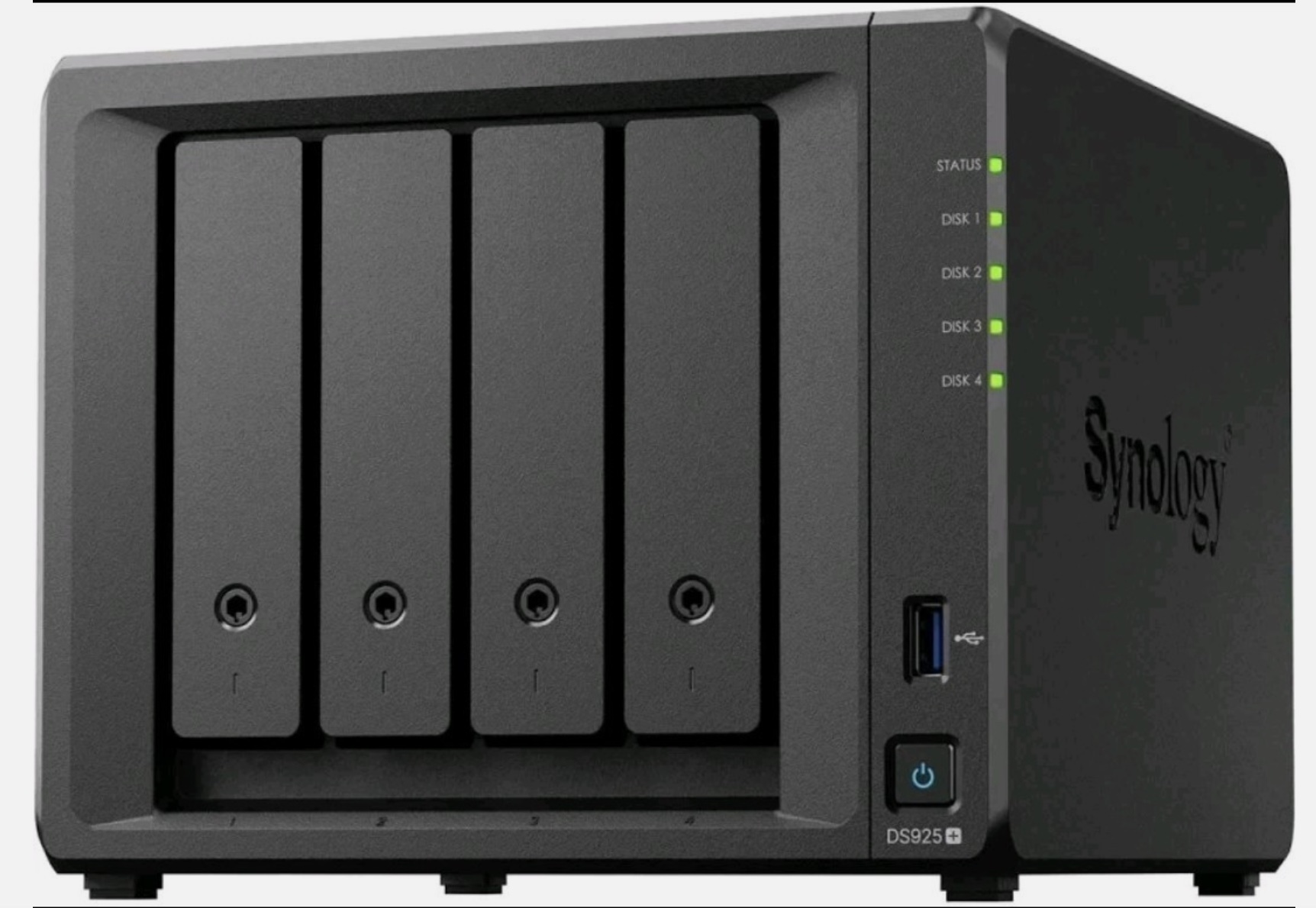
The Synology DS920+ is a compact four-bay network attached storage (NAS) unit. It's built for homes and small offices that want their own private cloud without monthly subscriptions. It runs a quad-core Intel Celeron J4125 processor (up to 2.7 GHz) with 4 GB of RAM, which can be upgraded. It also has two M.2 NVMe slots for SSD caching and two gigabit network ports that can be combined for extra throughput. If you outgrow the four bays, you can add a DX517 expansion unit for up to nine drives in total.
It runs Synology's DiskStation Manager (DSM), a browser-based operating system that's easy to manage from any computer or phone. This website is hosted on my own DS920+, G6DSG-2, running Synology's Web Station.
Everyday home uses
  • Central storage and backup. Keep family documents, photos and music in one place, protected by RAID so a single drive failure doesn't lose your data. Back up PCs and Macs automatically, including Time Machine.
  • Your own private cloud. Synology Drive syncs files across devices much like Dropbox or OneDrive, but the data stays in your home.
  • Photo library. Synology Photos backs up phone pictures automatically and organises them by date, place and face recognition.
  • Media streaming. The J4125 can hardware-transcode video, so Plex or Jellyfin can stream your films and TV to smart TVs, tablets and phones around the house or away from home.
  • Web hosting. Web Station lets you host your own websites, just as this one is.
  • Security cameras. Surveillance Station records IP cameras without cloud fees.
  • Off-site protection. Hyper Backup copies your important data to another NAS, a USB drive or a cloud service, so a fire or theft doesn't wipe everything out.

Docker and containers: where it gets really useful
The DS920+ supports Synology's Container Manager, which runs Docker containers. A container is a small, self-contained application that runs alongside DSM without interfering with it. You can try something, keep it if it's useful, and remove it cleanly if it isn't. Popular home containers include:
  • Pi-hole or AdGuard Home to block adverts and trackers for every device on your network.
  • Home Assistant to tie smart plugs, lights, heating and sensors into one dashboard with automations.
  • Node-RED to wire devices and online services together visually.
  • InfluxDB and Grafana to log data over time and draw graphs, such as energy use, temperatures or network performance.
  • Uptime Kuma to watch your websites and services and alert you if something goes down.
  • Vaultwarden to self-host a password manager compatible with Bitwarden.
  • Jellyfin for a fully open-source media server.
  • Paperless-ngx to scan and index household paperwork so you can search it.
  • Nginx Proxy Manager to give your services tidy web addresses with free SSL certificates.


Because the NAS is designed to run around the clock while drawing little power, it's an ideal always-on home for these services. Many people find it replaces a collection of separate gadgets and subscriptions.